

Business Guides
Can you remove a Google review?
What businesses can and can't do about a Google review: the policies Google enforces, how to report a review, what to do while you wait and why to reply.
If you are searching for how to delete a Google review or how to remove Google reviews, there is probably one review in particular on your mind. The honest answer is that a business cannot delete a customer's review from its Google Business Profile. This guide explains what Google's policies do allow to be removed, how to report a review through Google, and what to do while you wait.
The short answer
There is no delete button for customer reviews on your Business Profile. A review usually comes down in one of two ways:
- Google removes it because it violates Google's content policies, usually after someone reports it.
- The person who wrote it changes or removes it.
Google's help page on managing customer reviews notes that customers can still change their review after reading your reply. That is their choice. Your options as a business are to reply, and to report reviews that break the rules.
Be careful with anyone who promises to delete reviews for a fee. Google decides what is removed, and the reporting tools described below are available to you directly.
What Google's policies prohibit
Google's prohibited and restricted content policy for Maps user-generated content, which includes reviews, lists the kinds of content it removes. Categories that apply to business reviews include:
- Fake engagement. Content that is not based on a real experience, reviews that were paid for, and content posted from multiple accounts by or at the request of one person.
- Conflict of interest. Content from someone with a conflict of interest, which the policy describes as including current or former employment and contractual or other professional or personal affiliations.
- Off-topic content. General, political or social commentary and personal rants that don't describe an experience at the place.
- Personal information. Another person's personal information posted without their consent.
- Harassment and hate speech. Threats against people, or content that attacks people based on a protected characteristic.
- Obscenity and profanity. Profanity or obscenity used to offend or to emphasize criticism.
- Advertising and solicitation. Promotional content and links posted in reviews.
- Impersonation. Content posted to impersonate a person, group or organization.
The policy does not cover reviews you simply disagree with. A negative review that describes a real experience, even one you think is unfair or exaggerated, is not a violation. Google's reporting page says it directly: "Do not report a review just because you disagree with it or dislike it."
How to report a review that breaks Google's rules
Google's page on reporting inappropriate reviews describes three ways to flag a review. From your Business Profile:
- Go to your Business Profile and select Read reviews.
- Next to the review you want to flag, select Report.
- Select the reason that matches the violation.
You can also report a review through the Reviews Management Tool, and the help page describes a route in the Google Maps app as well. If you want to report a fake Google review, look for signs you can describe, such as a reviewer with no record of a visit or several similar reviews posted close together, and choose the reason that fits.
According to the same page, evaluation typically takes several days. You can check the status of your report in the Reviews Management Tool, where it shows as pending, reviewed with no policy violation, or escalated. If Google decides the review doesn't qualify for removal, you can submit a one-time appeal.
If you believe a review is unlawful, for example because it makes a false statement of fact about your business, that is a legal question separate from Google's content policies. Talk to a lawyer before you act on it.
What to do while you wait
A report can take days, and the outcome is up to Google. In the meantime:
- Reply to the review. A short, factual reply tells readers you noticed and that you are following up. Don't accuse the reviewer of lying or mention that you have reported the review.
- Check your records. Look for the visit, order or booking. If you find it, the review may be genuine, and the reply should address the complaint.
- Keep notes. Save the review text, date and your report reason in case you need to appeal.
- Tell your team. Staff should not reply from personal accounts or contact the reviewer outside your agreed channel.
Example reply: Thank you for the review, [Name]. We take feedback like this seriously, but we couldn't match it to a visit or order on our side. Please email [email address] with a few details so we can look into it. [Your first name], Manager
This fictional reply works whether the review turns out to be genuine or not, because it stays calm and invites contact.
Why replying still matters
Even when a review stays up, your reply sits directly under it. Anyone who reads the review also reads how you answered. Google's help page on managing reviews says that "Helpful and positive replies to reviews can show that you're responsive to your customers."
A reply also gives a genuine reviewer a route to contact you. If you resolve the problem, the reviewer may decide to update the review. For templates, see how to respond to negative Google reviews.
What never to do
Some tactics that promise to get rid of a review break Google's policies themselves. The same content policy prohibits businesses from:
- offering payment, discounts, free goods or services in exchange for posting a review, or for revising or removing a negative one
- discouraging or prohibiting negative reviews
- selectively asking only satisfied customers for reviews, a practice often called review gating
- posting reviews from multiple accounts, or asking staff or others to post reviews that don't reflect a genuine experience
Don't pressure a reviewer to take a review down, publicly or privately. If you ask for reviews at all, ask every customer and accept what they write.
Doing this with Fidkeep
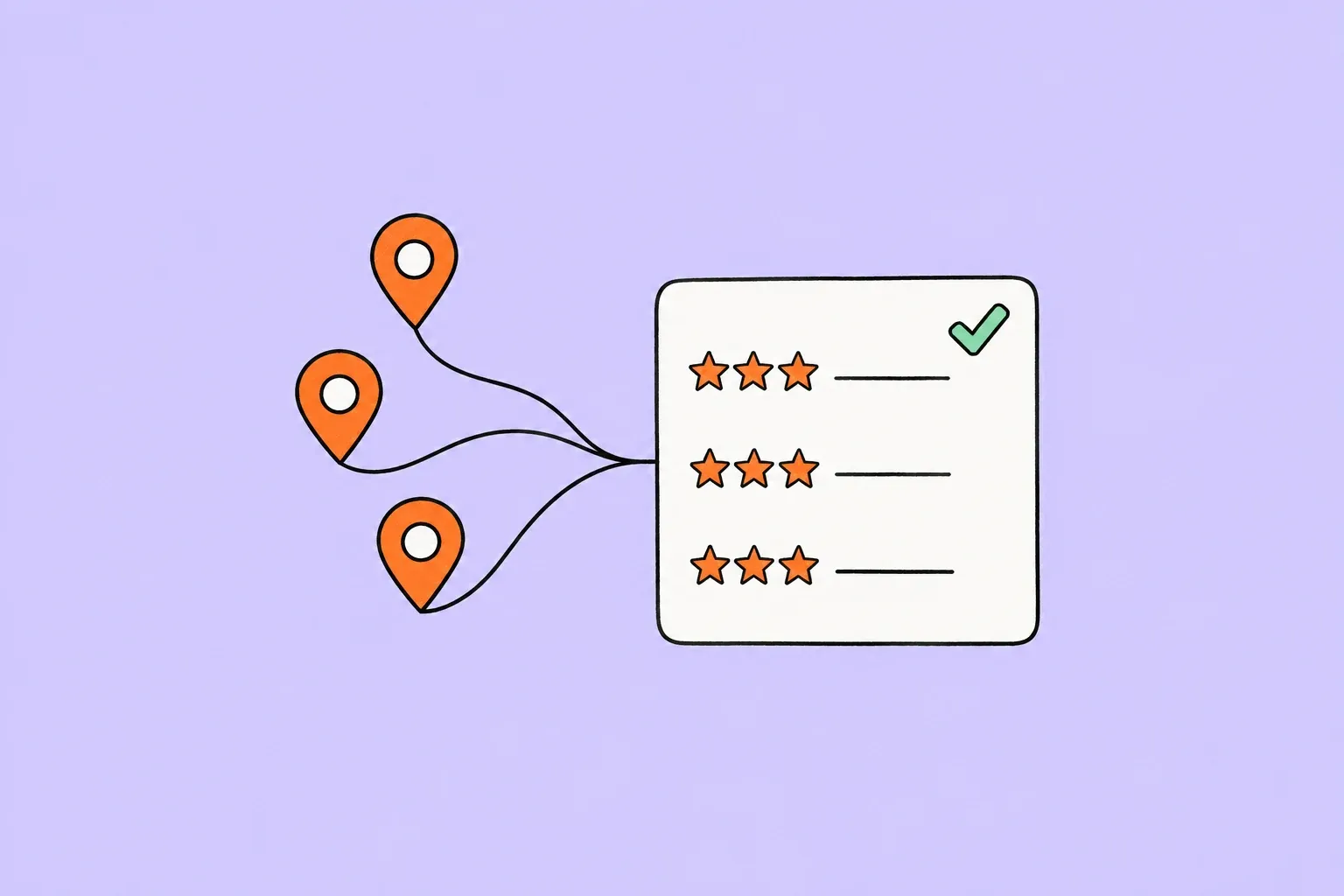
Reporting happens in Google's own tools. Where Fidkeep helps is in seeing problem reviews early across many locations: it brings the Google Business Profile reviews of every location into one inbox, where you can filter by location, rating and reply status, and smart rules email selected team members when a new review matches conditions such as a low rating at a specific location. By default, replies drafted by AI in each location's brand voice are published to Google only after a team member approves them. Read more about multi-location review management, or see plans on the pricing page.