


Your location's voice
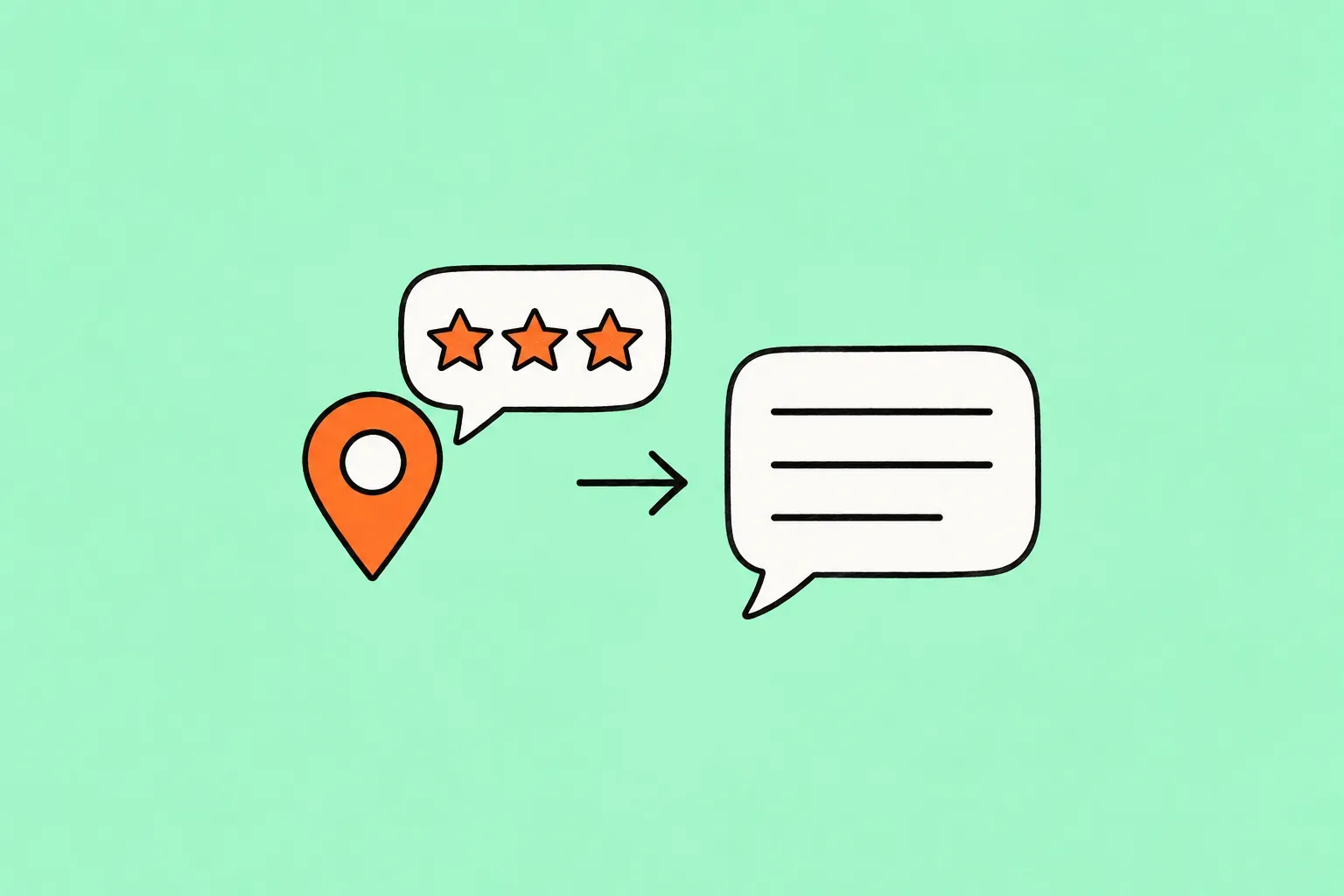
Tone, form of address, sign-off, example replies and phrases to avoid are set for each location. One branch can sound casual while head office stays formal.
AI replies
For every new Google review, Fidkeep drafts a reply in your location's brand voice and in the language the review was written in. Your team edits it, approves it and the reply is published on your Google Business Profile.
How a draft is written
AI reads the review's rating, language and subject, then turns it into a draft with your location's tone, sign-off and phrases to avoid.
Tone, form of address, sign-off, example replies and phrases to avoid are set for each location. One branch can sound casual while head office stays formal.
The draft is written in the language of the review. A tourist's review in German gets a reply in German.
The draft picks up what the review is about, such as the wait or cleanliness, instead of pasting the same sentence under every review.
How it works
By default, no reply is published until someone on your team approves it.
A new review on your Google Business Profile joins the location's queue of reviews waiting for a reply.
AI reads the review, its rating and the location's brand voice settings, then writes a reply draft.
Use the draft as it is, edit it or have it regenerated.
The reply you approve is published on Google as the owner's reply under the review.
Product capabilities
Open a review that needs a reply and the draft is already there in your brand voice. Regenerate or edit it, and it is published to Google once you approve.
Compare plansTone, form of address, sign-off, example replies and phrases to avoid are set per location, and drafts follow them.
See brand voiceFilter reviews by reply status, rating and location, and handle low-rated reviews that are still waiting first.
All reviewsThe monthly report shows which topics stand out at which location, with the real reviews behind them.
Smart reportsClear answers on product, data and billing.
Not by default: every draft is published with your team's approval. On Pro and above you can turn on controlled auto-replies per location; at those locations, unanswered reviews are answered without approval. To keep an eye on complaints, set a smart rule. Smart rules never publish replies; they email your team.
300 replies a month on Basic, 1,200 on Pro, 2,500 on Business and 7,500 on Scale. Regenerated drafts use a reply too. The allowance renews every month on your billing date, and you can add the +250 AI replies add-on when you need more.
Drafts are written in the language of the review. Tone, form of address and sign-off come from your location's brand voice settings.
In a general chatbot you copy each review and explain your brand voice every time. Fidkeep pulls the review straight from Google, drafts it with the location's settings and sends the reply you approve to Google itself.
The business is responsible for every published reply. An AI draft can be wrong or incomplete, which is why, by default, every draft is approved by a team member first. Details are in our AI Use Principles.