

Retail and grocery chains
See what slips at every store, from checkout to shelf
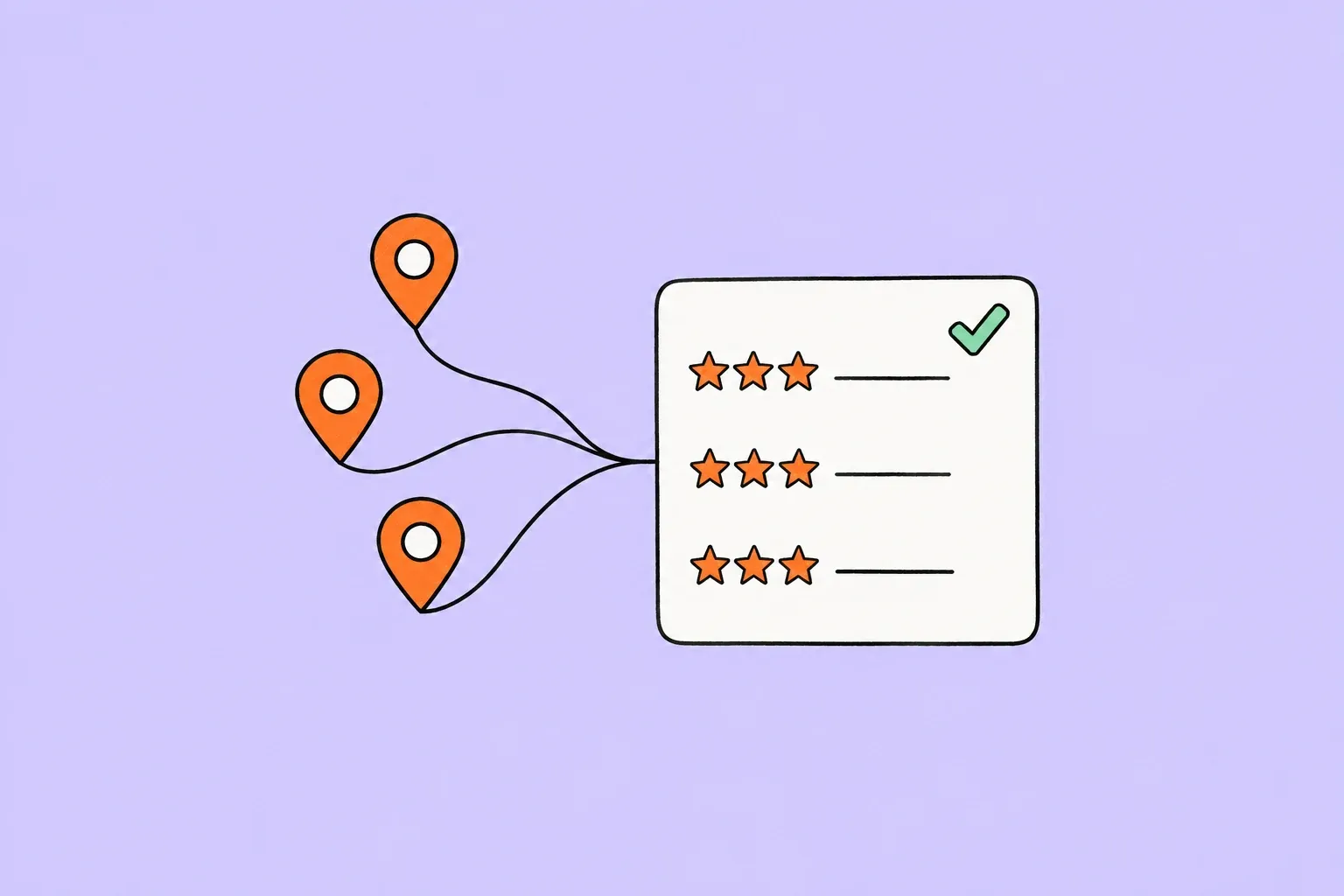
In grocery and retail chains, the experience changes from store to store. Fidkeep gathers Google, Yandex Maps and Tripadvisor reviews¹ from every store and shows checkout, stock and store order themes store by store.
- Challenge
As the store count grows, checkout and empty-shelf complaints stay local and never reach head office.
- Recurring theme
Long checkout lines, empty shelves and messy aisles keep coming up at specific stores.
- With Fidkeep
Area managers compare stores on the same themes and plan visits around what reviews say.
What reviews mean in this industry
Shoppers visit the same store several times a week and notice small slips right away. A closed register, a shelf that's always empty or a messy aisle is reason enough to try the competitor down the street.
As the store count grows, reading every review becomes impossible. Head office watches the overall rating, and which store has which recurring issue goes unseen.
What customers write about most
- Checkout lines
How many registers are open and how long people wait to pay.
- Stock and shelves
Products missing, and promoted items nowhere on the shelf.
- Store order
Aisle layout, cleanliness and accurate price labels.
Which topics does Fidkeep track in this industry?
A star rating tells you how happy customers are; topics tell you why.
Fidkeep sorts every review in this industry into the topics below and marks, for each topic, whether the customer spoke positively, neutrally or negatively. If one review praises one topic and complains about another, you see both. Filter by topic and sentiment, and when a negative review lands on a topic that matters, Smart Rules email the right person.
Topics in this industry6
- Products / Range
- Checkout / Payment
- Store Layout
- Price / Value
- Service / Staff
- Cleanliness / Hygiene
Example in the app
- Products / Rangepositive
- Checkout / Paymentneutral
- Store Layoutnegative
How teams work with Fidkeep
Every store in one list
Area teams filter reviews by store, rating and reply status.
Rule-based publishing
Set per-store rules to auto-publish replies to short positive reviews and leave complaints to the team.
Local, yet consistent
Form of address and sign-off per store, one shared brand voice across all of them.
What to watch in the monthly report
- Queue trend
See which stores and periods drew more checkout line complaints.
- Stock issues
Compare empty-shelf reviews across stores and trace them to the source.
- Labels and pricing
Follow reviews about shelf prices not matching the register.
Frequently asked questions
Clear answers on product, data and billing.
Which review topics does Fidkeep track for retail and grocery chains?+
Fidkeep sorts reviews in this industry into these topics: Products / Range, Checkout / Payment, Store Layout, Price / Value, Service / Staff, and Cleanliness / Hygiene. For each topic it marks separately whether the customer spoke positively, neutrally or negatively.
Do I choose the topics?+
No. Fidkeep identifies your industry from your location's Google category and uses that industry's topics.
Can one review cover more than one topic?+
Yes. Each topic gets its own sentiment, so if a review praises one topic and complains about another, you see both.
Are my older reviews tagged too?+
Yes. When you connect a location, past reviews are tagged in the background. Older reviews don't trigger Smart Rules notifications.
What should retail and grocery chains watch in the monthly report?+
Queue trend: See which stores and periods drew more checkout line complaints. Stock issues: Compare empty-shelf reviews across stores and trace them to the source. Labels and pricing: Follow reviews about shelf prices not matching the register.