


Every location, one daily stream.
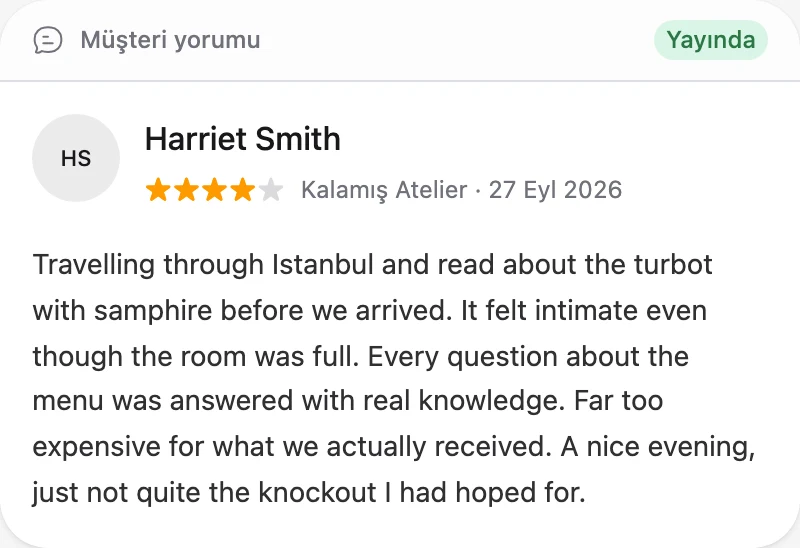
See new reviews with rating, branch and reply status. Separate what needs a reply and what scored low with a single filter.
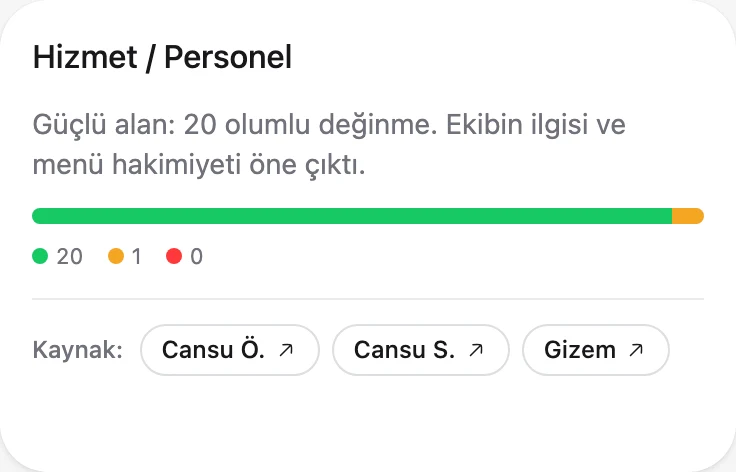
Fidkeep brings every location's Google, Yandex Maps and Tripadvisor reviews¹ into one view, separates recurring issues by branch and topic, and shows your team where to start.
Reviews from all your locations on Google, Yandex Maps and Tripadvisor¹ land in one stream with their branch context intact. Managers start the day with the location that needs attention, not a pile of messages.
See how it worksRepeated reviews show you where to start.
Collecting, understanding and acting on reviews are no longer three separate jobs. Fidkeep makes them one daily rhythm.
Every new review from every location, on one screen each morning. No review gets lost in scattered notifications.
Fidkeep groups recurring themes by location and category, filtering out the noise so the pattern stands out.
Give the team one clear action, then see its impact in the next wave of reviews.
See new reviews with rating, branch and reply status. Separate what needs a reply and what scored low with a single filter.
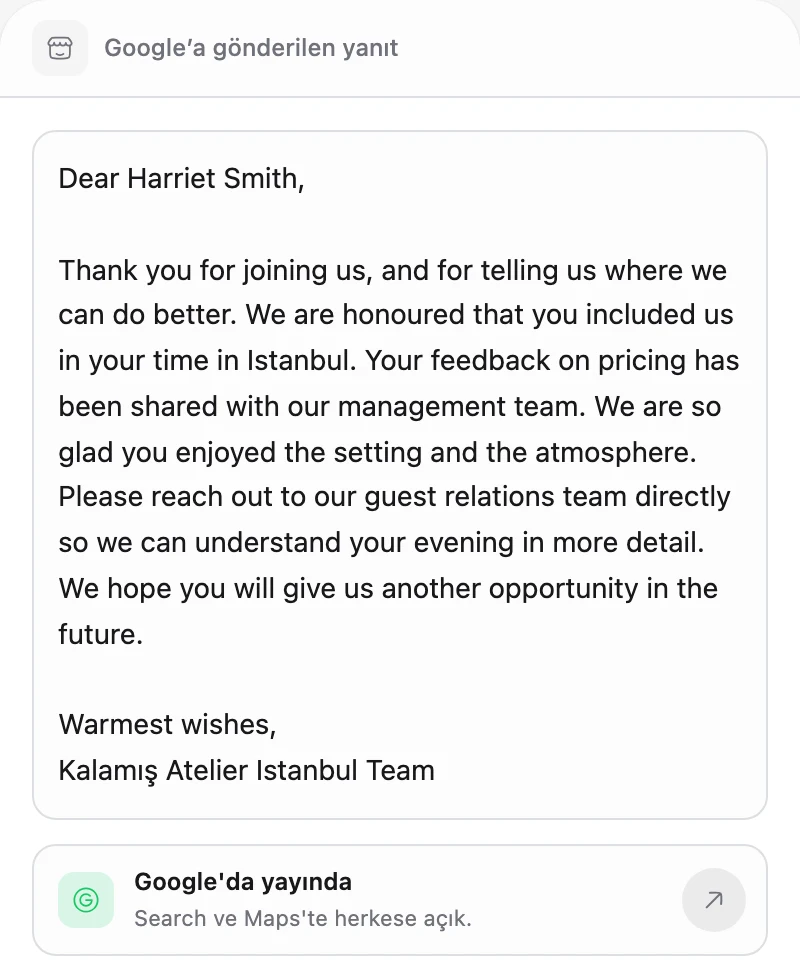
Fidkeep only reads reviews from the Google locations you authorize and uses that data solely to work for you. Reports and AI drafts save time; your team always decides what gets published.
See how we use Google data→From cafés to hospitals, fuel stations to public services: see what customers write about most in your industry, what to watch in the report and how your team works with Fidkeep.
All industriesWhen the morning rush hits, order mistakes and wait complaints scatter across locations.
Explore the industryThe same locations keep getting reviews about long waits and wrong orders at peak hours.
The team spots the recurring theme in the location report and adjusts shift planning.
When the same menu tastes different across locations, the gap shows only after complaints pile up.
Explore the industryCertain locations keep getting reviews about slow service, cold food and dirty tables.
Operations compares locations on the same themes and sends audits where they matter.
Citizens describe their visits on Google, but inside the institution those reviews belong to no one.
Explore the industryReception, processing time and poor directions keep coming up at service buildings.
The institution tracks reviews by service point and publishes measured replies free of personal details.
Drivers stop for minutes, but an ignored forecourt or a dirty restroom sticks with them.
Explore the industryForecourt service, shop checkout and restroom cleanliness keep coming up at certain stations.
Regional teams compare stations on the same themes and send inspections where complaints cluster.
Patients write more about waiting, registration and communication than treatment, and those reviews scatter across sites.
Explore the industryReception, long waits and unclear information keep coming up at the same sites.
The patient experience team sees themes by site and publishes careful replies free of personal details.
When the morning rush hits, order mistakes and wait complaints scatter across locations.
UnderstandThe same locations keep getting reviews about long waits and wrong orders at peak hours.
ImproveThe team spots the recurring theme in the location report and adjusts shift planning.
Explore the industry →When the same menu tastes different across locations, the gap shows only after complaints pile up.
UnderstandCertain locations keep getting reviews about slow service, cold food and dirty tables.
ImproveOperations compares locations on the same themes and sends audits where they matter.
Explore the industry →Citizens describe their visits on Google, but inside the institution those reviews belong to no one.
UnderstandReception, processing time and poor directions keep coming up at service buildings.
ImproveThe institution tracks reviews by service point and publishes measured replies free of personal details.
Explore the industry →Drivers stop for minutes, but an ignored forecourt or a dirty restroom sticks with them.
UnderstandForecourt service, shop checkout and restroom cleanliness keep coming up at certain stations.
ImproveRegional teams compare stations on the same themes and send inspections where complaints cluster.
Explore the industry →Patients write more about waiting, registration and communication than treatment, and those reviews scatter across sites.
UnderstandReception, long waits and unclear information keep coming up at the same sites.
ImproveThe patient experience team sees themes by site and publishes careful replies free of personal details.
Explore the industry →Resources
 Business Guides
A practical guide to replying to Google reviews: why it matters, where and when to reply, tone and length, example replies and policy-violating reviews.
Read the article Business Guides
Fictional reply examples for positive, five-star, mixed and negative Google reviews, plus short templates you can adapt to your own business.
Read the article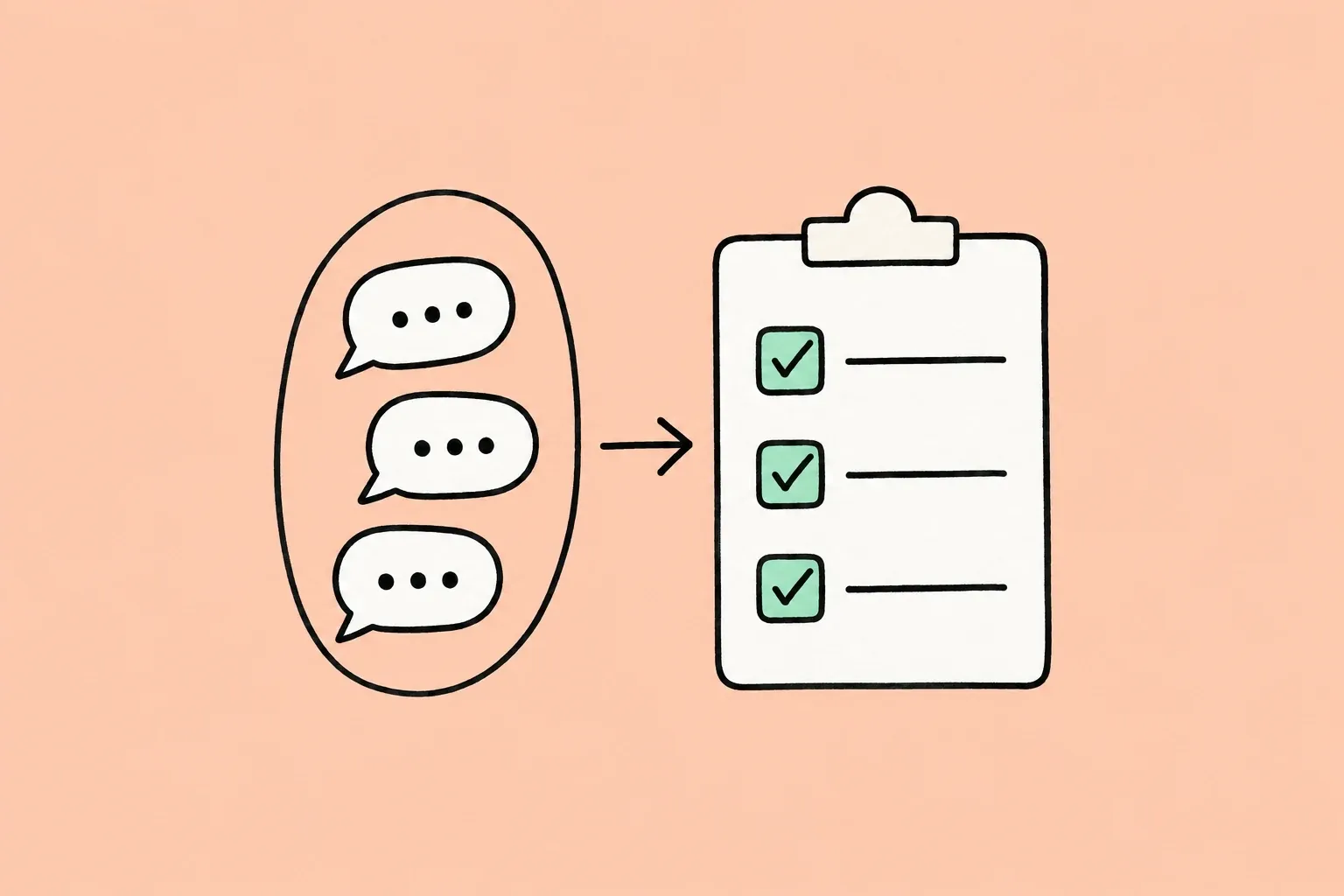 Business Guides
A practical way to turn recurring customer reviews into clear decisions on staff training, service standards and location follow-up.
Read the article